| Mobile Web App or PWA | Available  |
| Google Play Store | Unavailable  |
| Android .apk | Unavailable |
| iOS App | Unavailable |
Rabona ships no .apk download, no free APK file, no Google Play listing, and no iOS App Store entry. Browser-based PWA, installed via the casino’s own “Create Shortcut” page — the same one that walks Android and iOS through the home-screen install with diagrams.
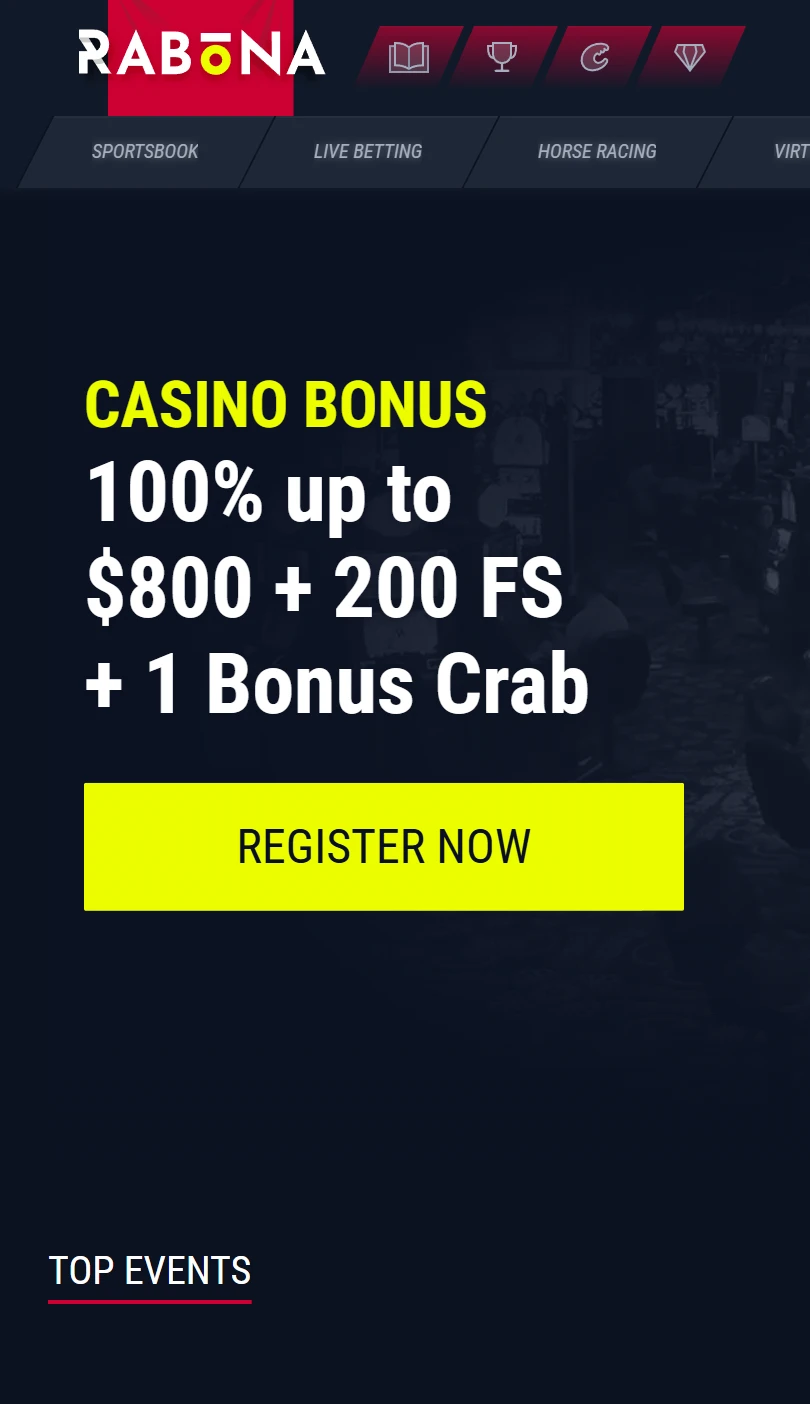
The brand identity is football. The name itself is a Rabona — the cross-legged trick shot. A Sports/Casino toggle sits at the top of the sidebar as the primary navigation pivot, with four dedicated sport verticals running underneath: Sportsbook, Live Betting, Horse Racing, Virtual Sports.
| Mobile Web App or PWA | Available |
| Google Play Store | Unavailable |
| Android .apk | Unavailable |
| iOS App | Unavailable |
Rabona ships no .apk download, no free APK file, no Google Play listing, and no iOS App Store entry. Browser-based PWA, installed via the casino’s own “Create Shortcut” page — the same one that walks Android and iOS through the home-screen install with diagrams.
The brand identity is football. The name itself is a Rabona — the cross-legged trick shot. A Sports/Casino toggle sits at the top of the sidebar as the primary navigation pivot, with four dedicated sport verticals running underneath: Sportsbook, Live Betting, Horse Racing, Virtual Sports.
Sign in before you create the shortcut. Cups progress and Collections cards attach cleanly to the session that way.
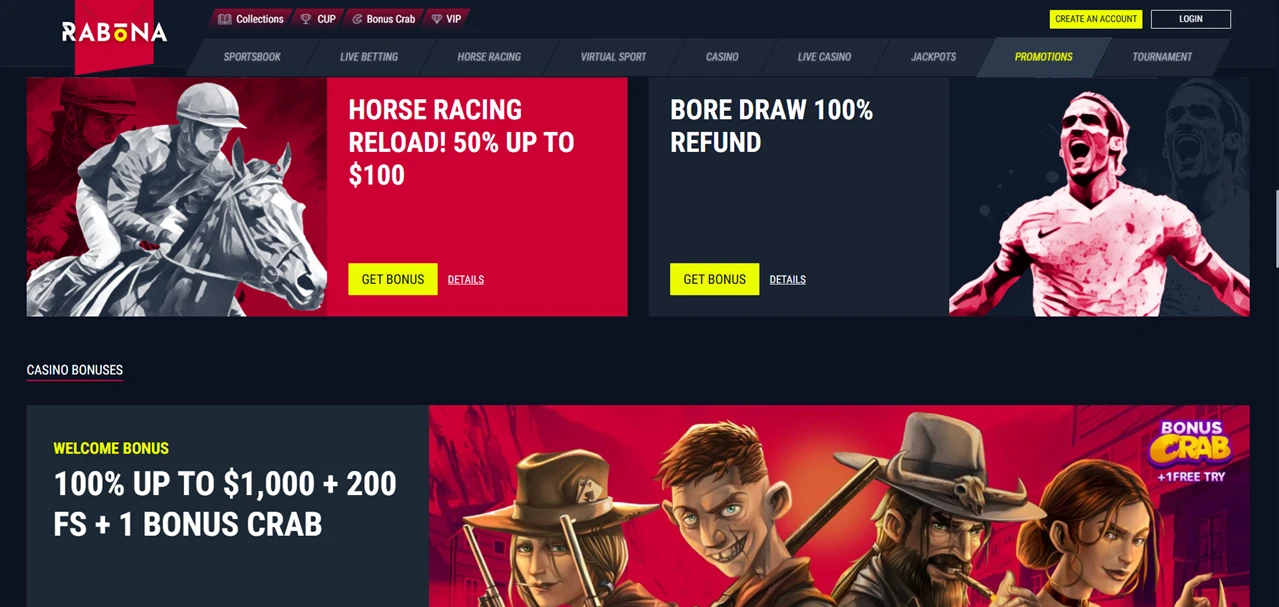
Rabona runs Cups and Collections as separate sidebar verticals — most casino PWAs collapse this into a single Promotions tab.
Cups is a tournament-style trophy mechanic. Slot rotations and live tables track toward branded cups, with leaderboard standings and trophy claims. Collections is a card-collection economy — pick up Player Cards across slots and sports activity, complete the sets, redeem for rewards.
Layered on top: Spin Rally rotations, a Shop for redemptions, Challenges, Tournaments, plus standalone Bonus Crab and Wheel of Fortune widget icons. Eight gamification entries in the sidebar before the casino itself opens.
The Casino lobby runs twelve organised rails — Top, New, Popular, Spring, Exclusive, Bonus Buys, Megaways, Live Games, Instant Games, Slots, Table Games, All Games — with the catalogue counter at 12,500+ titles. Instant Games is its own rail, anchored by Aviatrix, Plinko Rush, Chicken Road 2, Tower Rush, and Penalty crash titles.
The Help Centre splits self-service into eight categorised hubs: Bonuses & Promotions, Casino, Deposits, General, My Account & Verification, Sportsbook, Technical, Withdrawals. The footer carries 18+ gating disclosure plus three social channels (Instagram, YouTube, Telegram) for player-side verification of brand activity.
The cashier accepts Visa, Mastercard, and additional payment rails behind the More expansion. Withdrawals process within a few days depending on method, with no payout fee — a published policy detail rather than a standard claim.
WonderPot tier values display live on the home page, refreshed continuously.
Rabona’s wager is the dual hub — full sportsbook with horse racing as a peer vertical, full casino with twelve rails, joined by a Cups-and-Collections gamification stack that runs across both.
No .apk download, no native app, but the PWA inherits every surface area of the desktop site without compromise. For players who want sports and casino under one shortcut without an App Store flow, the trade-off resolves cleanly.
Cups is a trophy/tournament system tied to slot and live game play, with leaderboards and trophy claims. Collections is a Player Card economy — collect cards across activity, complete sets, redeem in the Shop. They’re tracked separately and don’t interchange. Both run in the PWA exactly as on desktop.
Real horse racing — it’s a separate sidebar entry from Virtual Sports, listed alongside Sportsbook and Live Betting. The vertical handles fixture-based markets on actual race meetings. Virtual Sports remains its own dedicated vertical for synthetic events.


.svg "French")
.svg "Arabic")