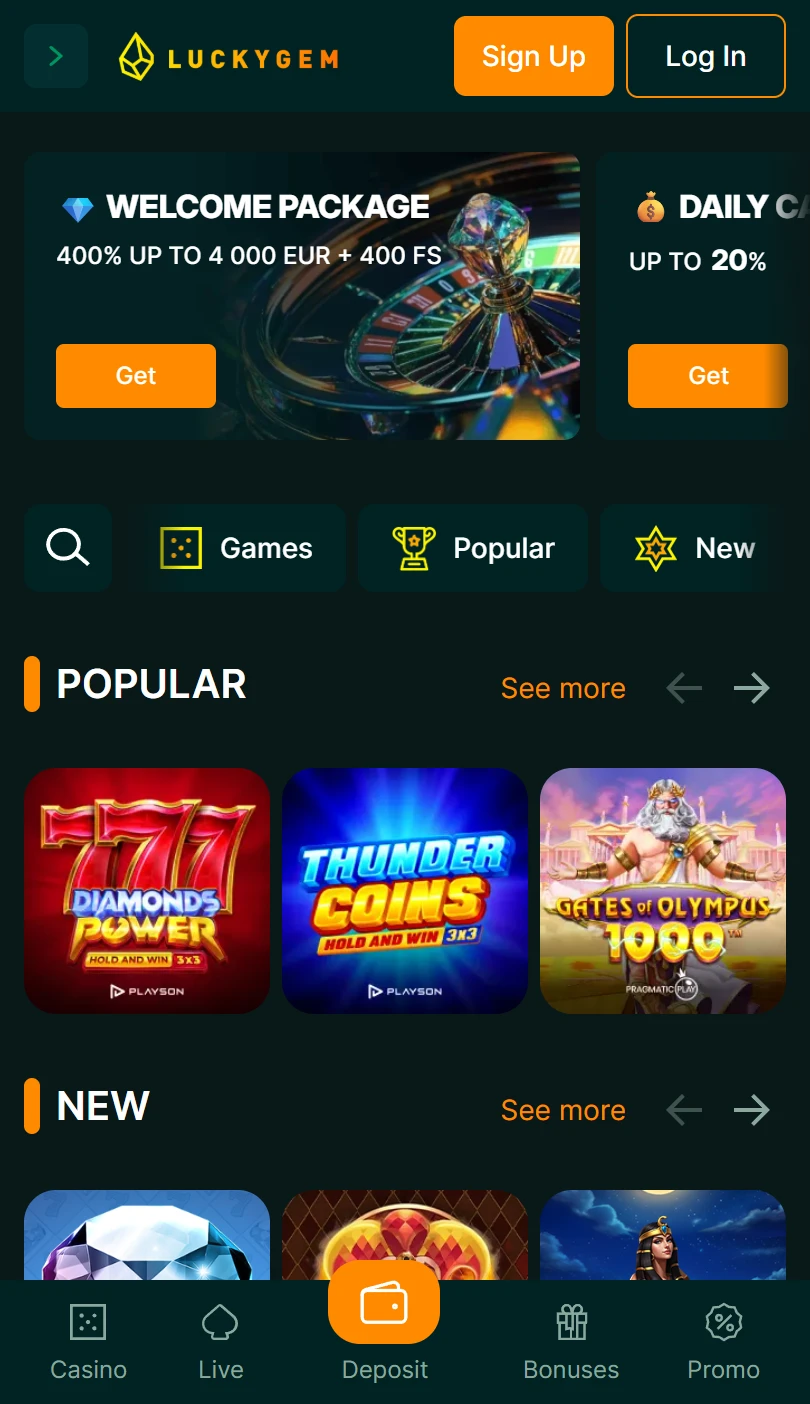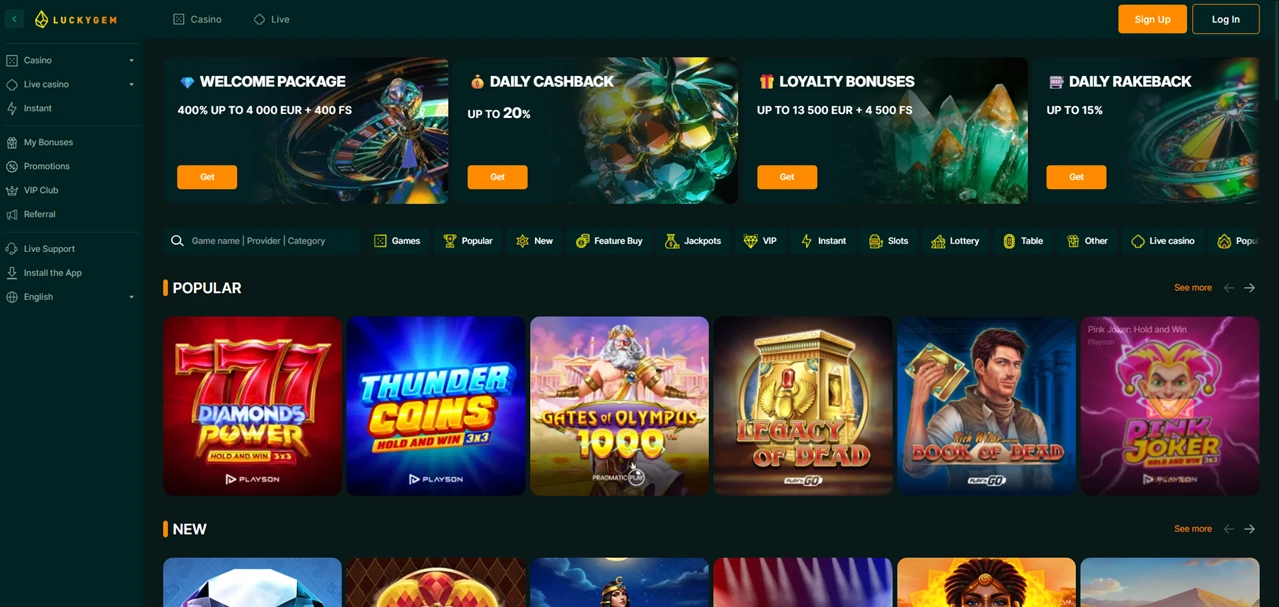
| Mobile Web App or PWA | Available  |
| Google Play Store | Unavailable  |
| Android .apk | Unavailable |
| iOS App | Unavailable |
LuckyGem issues no Android file, and neither store lists the name, because its own page explains what arrives instead: a progressive web app that pins itself in under a minute. The install takes about 5 MB, with game files loaded only when a game opens.
One wagering standard covers every offer on the promotions page.
| Mobile Web App or PWA | Available |
| Google Play Store | Unavailable |
| Android .apk | Unavailable |
| iOS App | Unavailable |
LuckyGem issues no Android file, and neither store lists the name, because its own page explains what arrives instead: a progressive web app that pins itself in under a minute. The install takes about 5 MB, with game files loaded only when a game opens.
One wagering standard covers every offer on the promotions page.
LuckyGem answers that on a page of its own, and the answer is that nothing downloads at all.
Install the App sits in the sidebar menu, under live support and above the language selector.
Two tabs split the instructions there, one for Android in Chrome and one for the iPhone in Safari.
The page calls what gets installed a progressive web app, and no store account is involved.
Because nothing is fetched from a store, the version in use is always the latest the site serves.
Either route reaches the same login screen, and both are free to use from a mobile browser.
Android — Chrome
iPhone — Safari
Neither route works in a private window, which the page itself flags before anyone tries.
Download for iOS and Download for Android are the two buttons heading the LuckyGem app page.
What the text underneath explains is that no download happens, because a progressive web app installs from the browser instead.
Sixty seconds is the figure the page gives for the whole process, and an orange Install button sits beside the Android steps.
Safari is required on the iPhone, which the page states plainly, since other browsers on that system cannot install a web app.
Chrome 76 and Safari 11.1 are the versions named as the floor, covering handsets going back several years.
Read the page before the buttons, because it answers in two sentences what most casinos leave to guesswork.
The LuckyGem app opens full screen, with no address bar and no browser tabs in view.
Biometric login follows on handsets that support it, so a session opens on a fingerprint or a face.
Updates arrive in the background, which removes the one chore a downloaded file would bring.
Game files load on demand rather than up front, so the catalogue never sits on the phone.
Uninstalling the icon leaves the account untouched, with balance, bonus progress and VIP level held on the server.
Pin it and sign in once, since the same account state follows between desktop and phone.
Twenty euros is the minimum deposit that activates any LuckyGem promotion, which the promotions page states once for all of them.
Thirty-five times is the standard wagering, inside seven days, and the page says each offer prints its own fixed values.
Four payment routes cover the lot: two card brands, one app-based account and crypto.
Welcome offers run across the first four deposits, with casino and sportsbook packages kept separate.
Deposits made through the pinned icon count for promotions exactly as desktop ones do.
Check the fixed values on the card before claiming, because the standard figures apply only where no offer overrides them.
Casino, live tables and the sportsbook share a single LuckyGem balance.
Switching between them needs no second wallet and no fresh login.
The sportsbook carries pre-match and live markets across the usual sports and eSports.
Live chat support reaches the same account from inside the pinned app, around the clock.
Missions, tournaments and the store sit in that menu too, each one tap from the icon.
An install page that names its own technology, gives the version floor for both browsers and warns about private windows is a rarity in this bracket, and LuckyGem has one.
What follows it holds up: about five megabytes on the phone, no camera or location permissions, background updates, biometric login and an account that survives an uninstall.
Its promotions run on one stated standard rather than a different rule per card, while the footer names the operating company but no licence number. No application from a store is involved here, and the app page says so before anyone taps.
✅ Phone players who want a full-screen icon in under a minute
✅ Browser users, since the same site runs without installing
✅ Readers who like one wagering rule across all offers
✅ Anyone switching between casino, live tables and sport
✗ Owners of a handset older than the named browser versions
✗ Visitors who want a licence number printed in the footer
LuckyGem publishes a progressive web app rather than a store download, so no .apk exists and neither store carries an entry. Its install page gives three steps for Chrome on Android and three for Safari on the iPhone.
The LuckyGem page gives three steps per system. On Android, open it in Chrome, tap the three-dot menu and choose Add to Home Screen or Install App. On the iPhone, use Safari, tap Share, then Add to Home Screen.


.svg "French")
.svg "Arabic")