| Mobile Web App or PWA | Available  |
| Google Play Store | Unavailable  |
| Android .apk | Unavailable |
| iOS App | Unavailable |
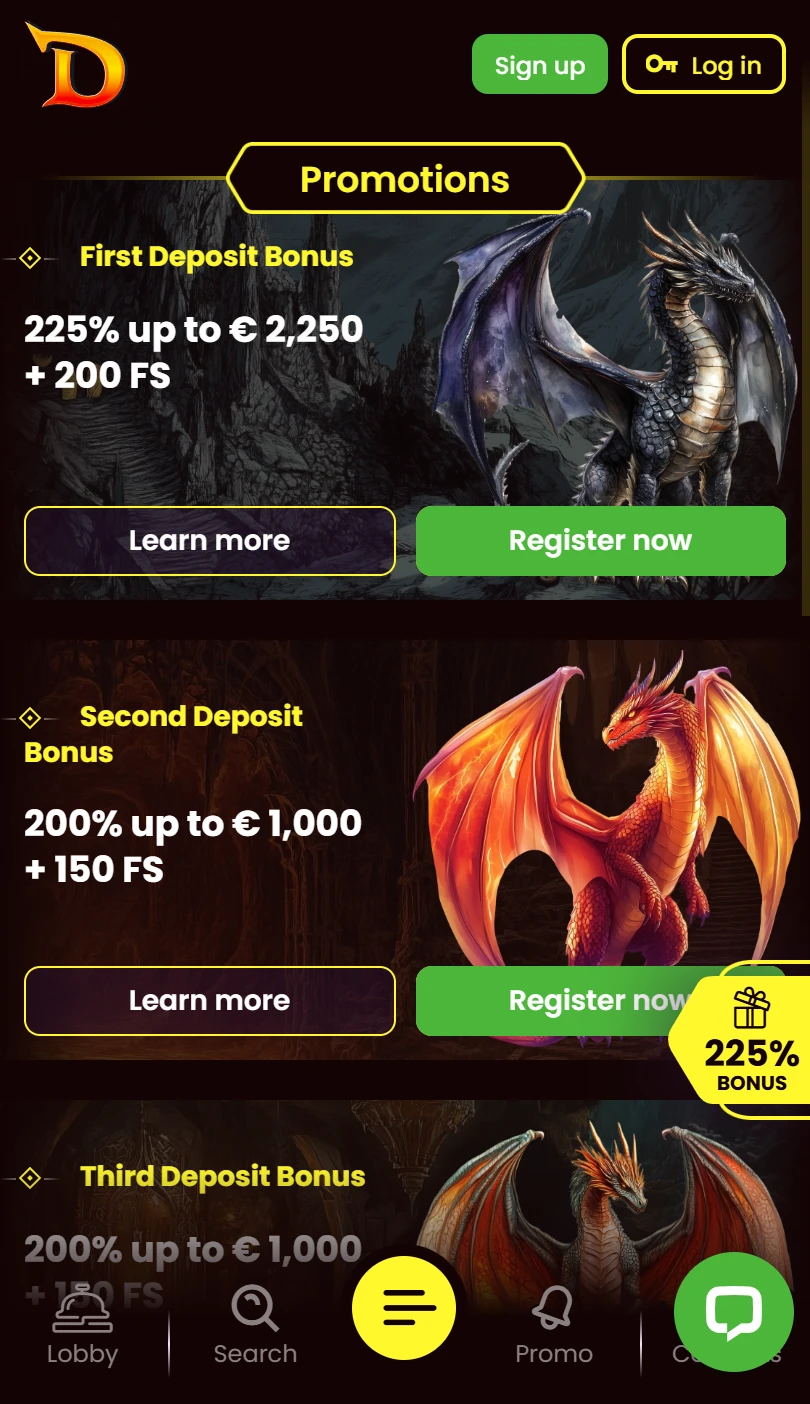
No .apk, no native download, no store listing. DragonSlots runs as a casino on a dark brown interface with fire-and-dragon artwork. No sportsbook exists.
The sidebar shows an “Application — Download our app!” banner near the bottom, but no native application is available — the banner links to a browser-based setup.
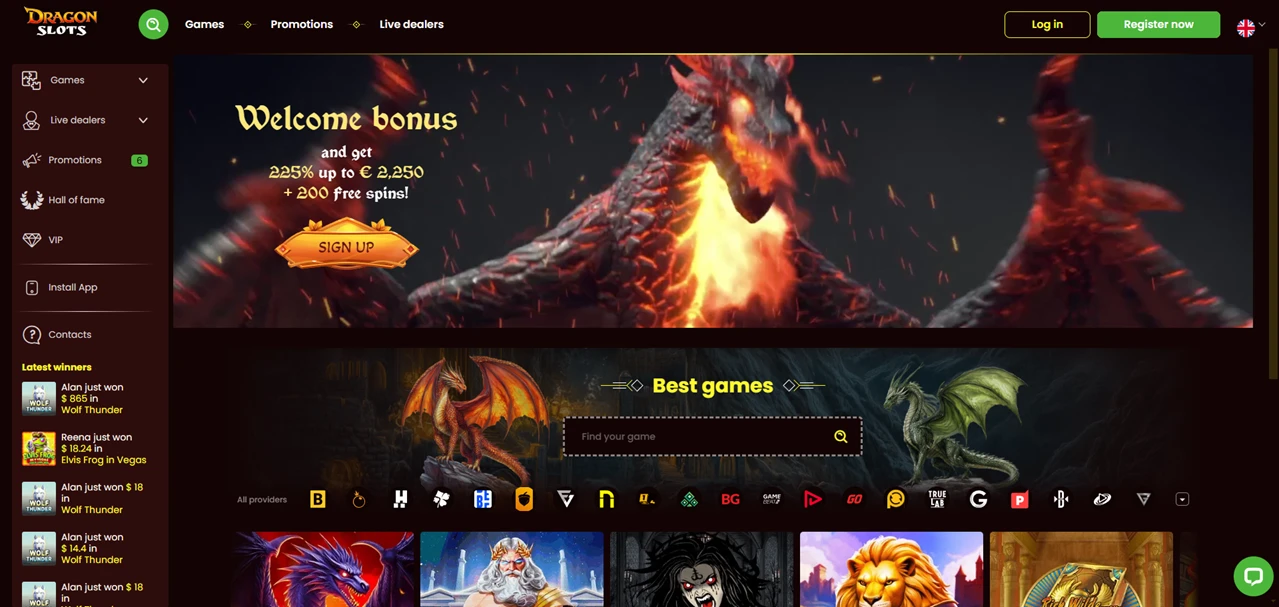
Fortune Wheel and Missions sit as buttons at the top of the sidebar. Login and Register now sit top-right.
| Mobile Web App or PWA | Available |
| Google Play Store | Unavailable |
| Android .apk | Unavailable |
| iOS App | Unavailable |
No .apk, no native download, no store listing. DragonSlots runs as a casino on a dark brown interface with fire-and-dragon artwork. No sportsbook exists.
The sidebar shows an “Application — Download our app!” banner near the bottom, but no native application is available — the banner links to a browser-based setup.
Fortune Wheel and Missions sit as buttons at the top of the sidebar. Login and Register now sit top-right.
Sign into your DragonSlots account first — Fortune Wheel progress, Missions status, VIP rank, and Hall of Fame position come with you to the shortcut.
The top nav lists four entries: Games, Promotions, Tournaments, Live dealers. The sidebar expands Games into a sub-menu and breaks Live dealers into eight categories: For You, Lobby, NEW, Blackjack, Roulette, Game Shows, Baccarat, Poker.
Promotions and Tournaments carry badge counters showing active entries. Hall of Fame, VIP, and Support complete the sidebar.
The hero banner advertises a welcome bonus with free spins. A “Recommended for you” rail opens the feed.
Every game tile prints its provider name and a live player count badge — you see exactly how many players sit in each game right now. Providers visible on tiles: Pragmatic Play, Felix Gaming, Playson, Wazdan, Synot Gaming, NetGame.
A “Best games” section follows with a search bar and a scrollable provider logo strip showing 25-plus studios.
New games display below with titles from Felix Gaming, True Labs, Novomatic, and NetGame — each tagged and showing active player counts.
The Live dealers page opens with its own hero banner. Filter tabs mirror the sidebar sub-menu: For You, Lobby, New, Blackjack, Roulette, Game Shows, Baccarat, Poker.
A separate provider logo strip shows live-specific studios. The lobby names six live providers on tiles: Evolution, Pragmatic Play, Playtech, Imagine Live, Iconic21, and Live Vegas. Player count badges appear here too.
Three gamification entries run through the sidebar. Fortune Wheel sits at the top as a dedicated button. Missions follows directly below. Hall of Fame gets its own entry — a leaderboard mechanic separate from VIP.
The footer links to Responsible Gaming, Terms and Conditions, Privacy Policy, Bonuses — General Terms, FAQ, About Us, and Contact Us. No payment logos are visible. No operator or licence information appears on screen.
Operator: not disclosed in the footer or visible interface. No licence number shown. The previous article references TechSolutions Group N.V. and a Curaçao licence, but the screenshots do not confirm this.
DragonSlots prints live player counts on every game tile — a real-time signal you rarely see surfaced this openly. Fortune Wheel, Missions, and Hall of Fame add three gamification layers to the sidebar.
The Live dealers section breaks into eight filter categories with six named providers: Evolution, Pragmatic Play, Playtech, Imagine Live, Iconic21, Live Vegas.
A dedicated complaints email sits alongside the standard support address. The free shortcut gives you the latest version of the mobile application with no .apk download required.
No native download. Operator and licence undisclosed in the visible interface. The “Application” banner in the sidebar links to a browser-based setup, not a store listing. Casino only — no sportsbook.

.svg "French")
.svg "Arabic")