| Mobile Web App or PWA | Available  |
| Google Play Store | Unavailable  |
| Android .apk | Unavailable |
| iOS App | Unavailable |
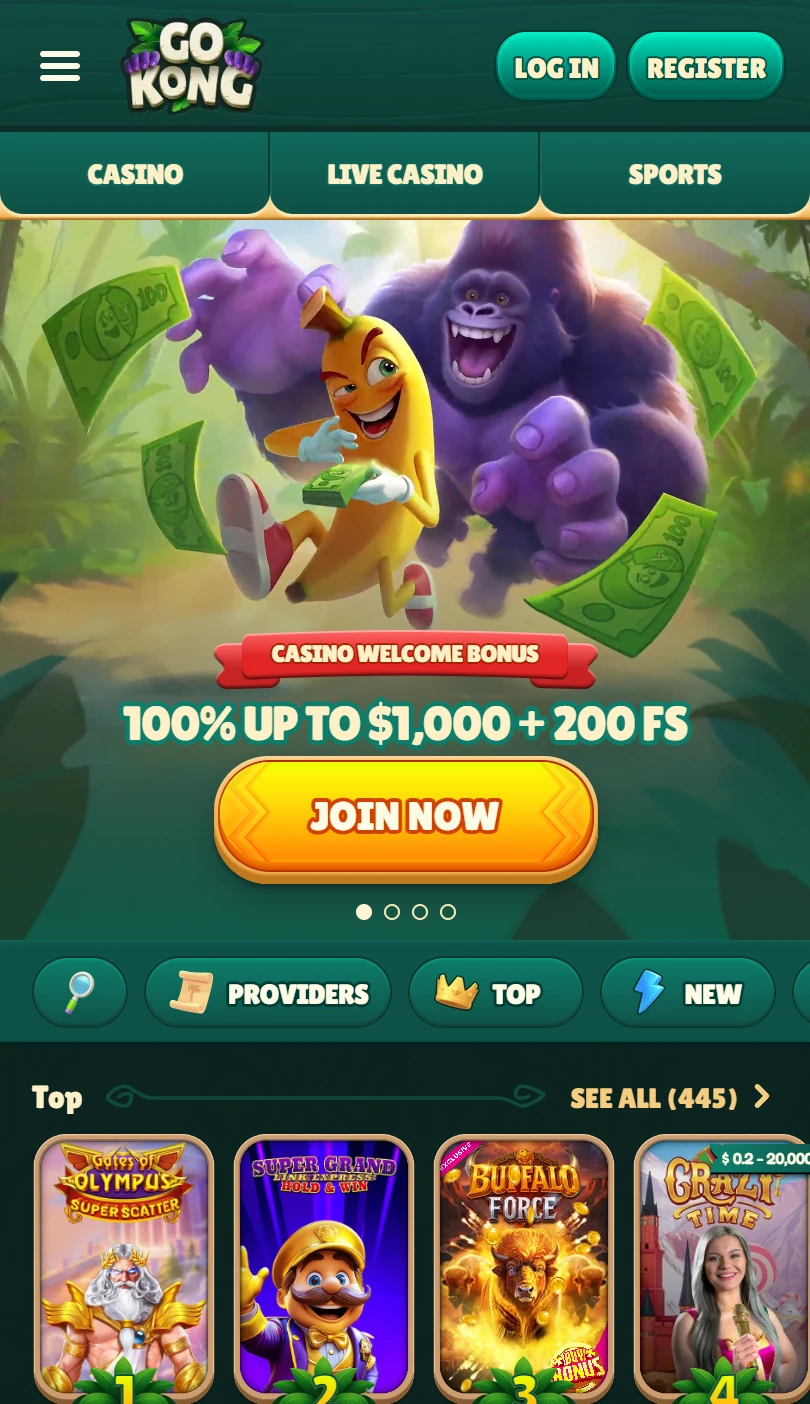
No .apk, no native download, no store listing. GoKong runs as a casino and sportsbook on a dark green interface with gorilla-themed branding and banana motifs.
A /shortcut page sits under General Info in the footer. The Android accordion opens first — step one attempts a direct install via link before falling back to the manual three-dot menu method. Login and Register sit top-right.
| Mobile Web App or PWA | Available |
| Google Play Store | Unavailable |
| Android .apk | Unavailable |
| iOS App | Unavailable |
No .apk, no native download, no store listing. GoKong runs as a casino and sportsbook on a dark green interface with gorilla-themed branding and banana motifs.
A /shortcut page sits under General Info in the footer. The Android accordion opens first — step one attempts a direct install via link before falling back to the manual three-dot menu method. Login and Register sit top-right.
Sign into your GoKong account first — Challenges progress, Coins balance, VIP Levels rank, and Bonus Crab status stay intact across the shortcut.
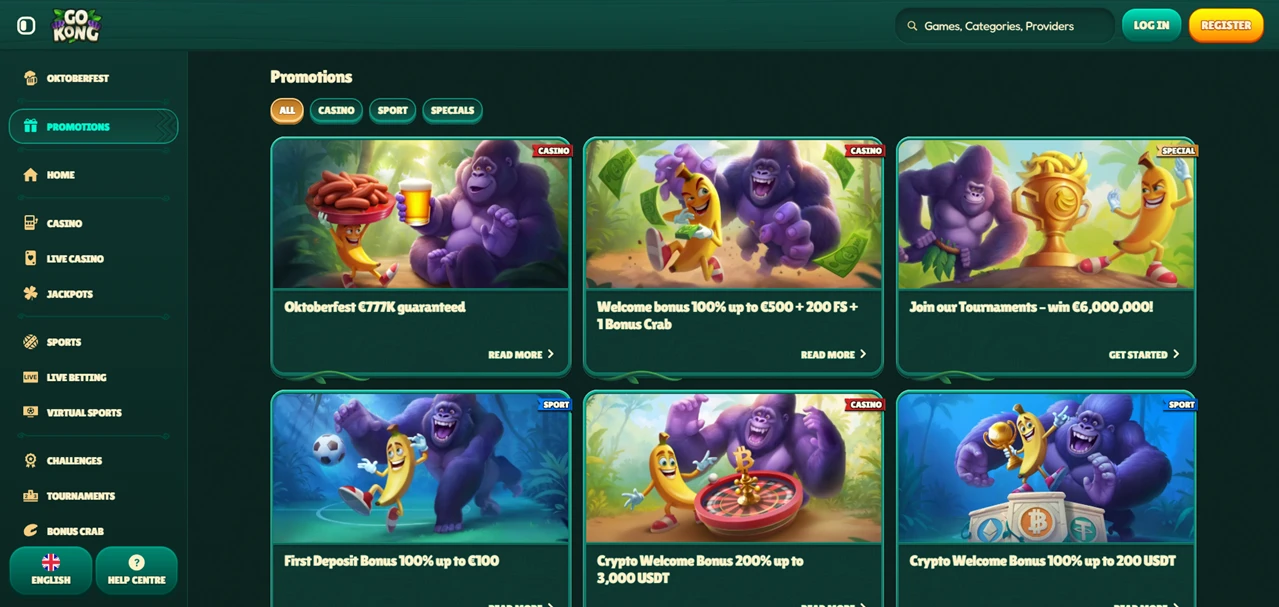
The sidebar contains thirteen entries in fixed order: Promotions, Home, Casino, Live Casino, Jackpots, Sports, Live Betting, Virtual Sports, Challenges, Tournaments, Bonus Crab, Shop, VIP Levels.
No nested sub-menus. Every section is one tap from any screen.
A horizontal filter bar sits below the hero banner. Scrollable categories: Promotions, Top, New, Popular, Exclusive, Top Live Casino, Roulette, Game Shows, Megaways, Hot Jackpots, Slots.
The hero banner advertises a welcome bonus with free spins. The lobby stacks rails underneath. Top Games by Country opens the feed with a geo-personalised selection.
New, Popular, and Exclusive follow. A Sports rail shows live content thumbnails between the casino categories. Top Live Casino displays roulette, blackjack, and game show tables.
Two banners interrupt the feed. “Take on Challenges and earn Coins” links to Challenges. “Exchange your Coins for rewards” links to the Shop. Roulette, Game Shows, and Blackjack get dedicated rails.
Hot Jackpots and an All Games section close the lobby.
The casino footer adds two categories not visible in the sidebar: Bonus Buys and Spring. Both sit alongside Megaways, Instant Games, Live Games, and Slots as dedicated filter links.
Five gamification entries run through the sidebar: Challenges (earn Coins), Shop (spend Coins), Bonus Crab (standalone mechanic), Tournaments, and VIP Levels.
The promotions section splits into Casino, Sports, and Specials tabs. Specials clusters Bonus Crab, VIP, Challenges, and the Coins Shop under one view.
The Help Centre opens with eight structured category cards arranged in a two-row grid: Bonuses & Promotions, Casino, Deposits, General, My Account & Verification, Sportsbook, Technical, Withdrawals. Each card filters the FAQ to its topic.
Live Chat and email buttons sit directly above the grid.
The footer lists ten sport disciplines: Football, Tennis, Basketball, Ice Hockey, Table Tennis, American Football, Baseball alongside Sportsbook, Live Betting, and Virtual Sports.
Visa and Mastercard logos appear with a “More” link for additional methods.
Operator: not disclosed in the footer or visible interface. No licence number shown. The footer links to Terms and Conditions, Privacy Notice, Responsible Gaming, and Cookie Notice.
GoKong structures its Help Centre around eight category cards — Bonuses & Promotions, Casino, Deposits, General, My Account & Verification, Sportsbook, Technical, Withdrawals — splitting support queries into filtered sections before the player types a word.
Five gamification entries sit in the sidebar: Challenges, Tournaments, Bonus Crab, Shop, VIP Levels. The free shortcut installs via a dedicated /shortcut page where Android step one attempts a direct install link.
The latest version of the mobile application covers casino, live casino, jackpots, sportsbook, live betting, and virtual sports.
No .apk, no native download. Operator and licence undisclosed. Bonus Buys and Spring surface as footer-only casino categories. Ten sport disciplines accessible.

.svg "French")
.svg "Arabic")