| Mobile Web App or PWA | Available  |
| Google Play Store | Unavailable  |
| Android .apk | Available |
| iOS App | Available |
Lucky Bird offers three download paths: an Android .apk from the site, an iOS wrapper via the App Store, and a PWA.
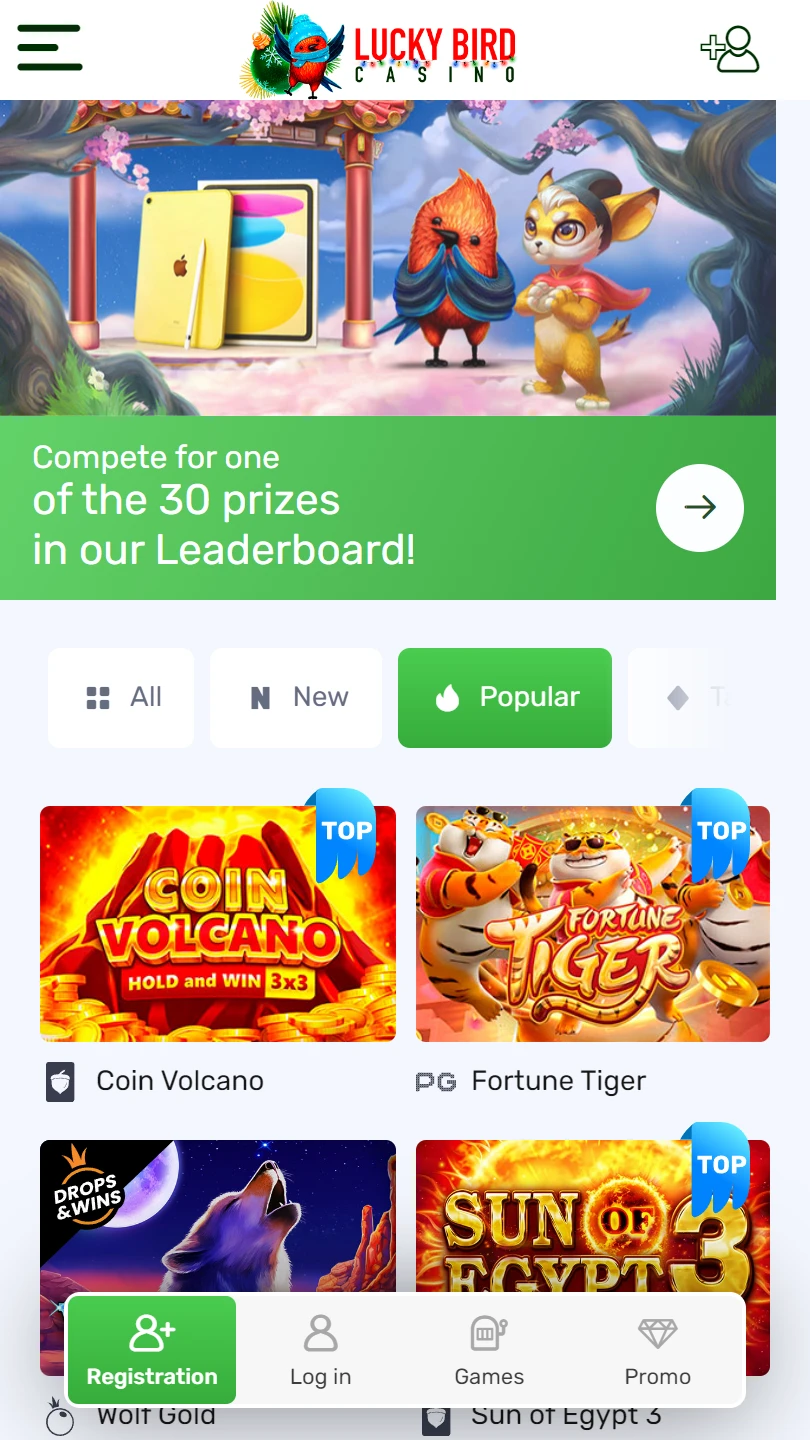
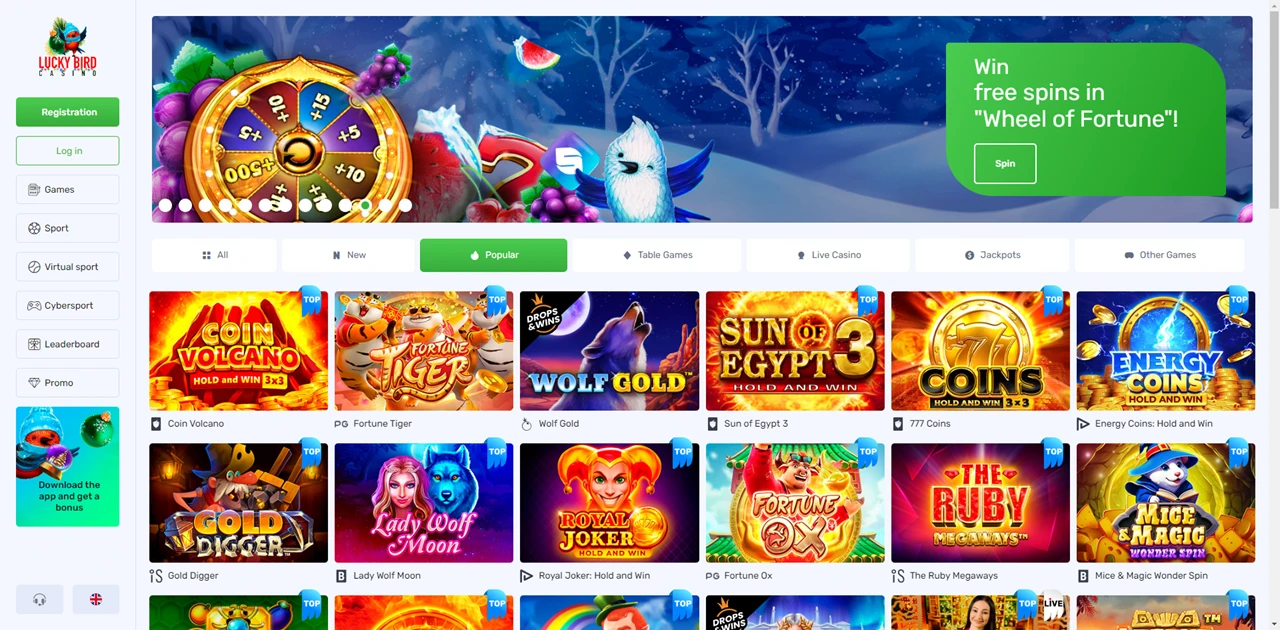
The /application page shows a “Download the app and get a bonus” banner in the sidebar alongside the bird mascot.
Login and Registration sit at the top of the sidebar. A free install bonus applies across all three paths.
| Mobile Web App or PWA | Available |
| Google Play Store | Unavailable |
| Android .apk | Available |
| iOS App | Available |
Lucky Bird offers three download paths: an Android .apk from the site, an iOS wrapper via the App Store, and a PWA.
The /application page shows a “Download the app and get a bonus” banner in the sidebar alongside the bird mascot.
Login and Registration sit at the top of the sidebar. A free install bonus applies across all three paths.
Sign into your Lucky Bird account first — Leaderboard position, promo progress, and referral spins tag along to the app or shortcut.
The /application page displays all three options side by side with QR codes for Android and iOS. Four benefit tiers scale the install bonus by deposit amount.
The sidebar shows six icon-labelled button entries: Games, Sports, Crash Games, Esports, Leaderboard, Promo. No Live Casino entry appears in the sidebar — live content sits within the Games section.
Below the navigation buttons, a “Free spins for friends” entry marked NEW links to the referral programme. The “Download the app” banner follows with the bird mascot.
The hero banner on the /application page advertises a welcome bonus with free spins for new players.
A forest-and-waterfall backdrop frames the red bird mascot holding a clover — the visual identity carries across every page.
The FAQ page opens a structured knowledge base with seven expandable categories: Account, Promotion Information, Games information, Verification, Telegram bot, Money transactions, Additional Information. Money transactions is the most detailed section — it walks through deposits via the “Cashier” section, withdrawal steps (confirm identity, meet the threefold turnover requirement, check payment details, confirm documents), processing times, and status tracking. You get a proper guide, not a generic FAQ placeholder.
The footer names 18-plus providers: Pragmatic Play, Hacksaw Gaming, Amatic, Play’n GO, PG Soft, Playson, 3 Oaks, Yggdrasil, Relax Gaming, BGaming, Backseat Gaming, Fugaso, Nolimit City, Playbro, Platipus, Zillion Games, Thunderkick, plus an expand arrow. Mastercard, Visa, and a Crypto badge appear under Banking. Identity Verification and a Telegram bot banner sit alongside an 18+ badge. Betting Rules appears as a separate footer link.
Operator: not disclosed in the footer or visible interface. No licence number shown. Identity Verification logo present. No GCB cert visible.
Lucky Bird runs a seven-category FAQ as a structured knowledge base — Account, Promotion Information, Games information, Verification, Telegram bot, Money transactions, Additional Information — giving you walkthrough-level detail on deposits, withdrawals, and document verification before you contact support.
“Free spins for friends” sits as a NEW-tagged referral entry in the sidebar.
The /application page offers three download paths with QR codes and a tiered install bonus: Android .apk, iOS wrapper (“Bird L” under Food & Drink), and PWA.
The free download delivers the latest version of the mobile application with 18-plus providers.
No Google Play listing. Operator and licence undisclosed. Mastercard, Visa, and crypto confirmed. Betting Rules in the footer confirms a sportsbook vertical.

.svg "French")
.svg "Arabic")