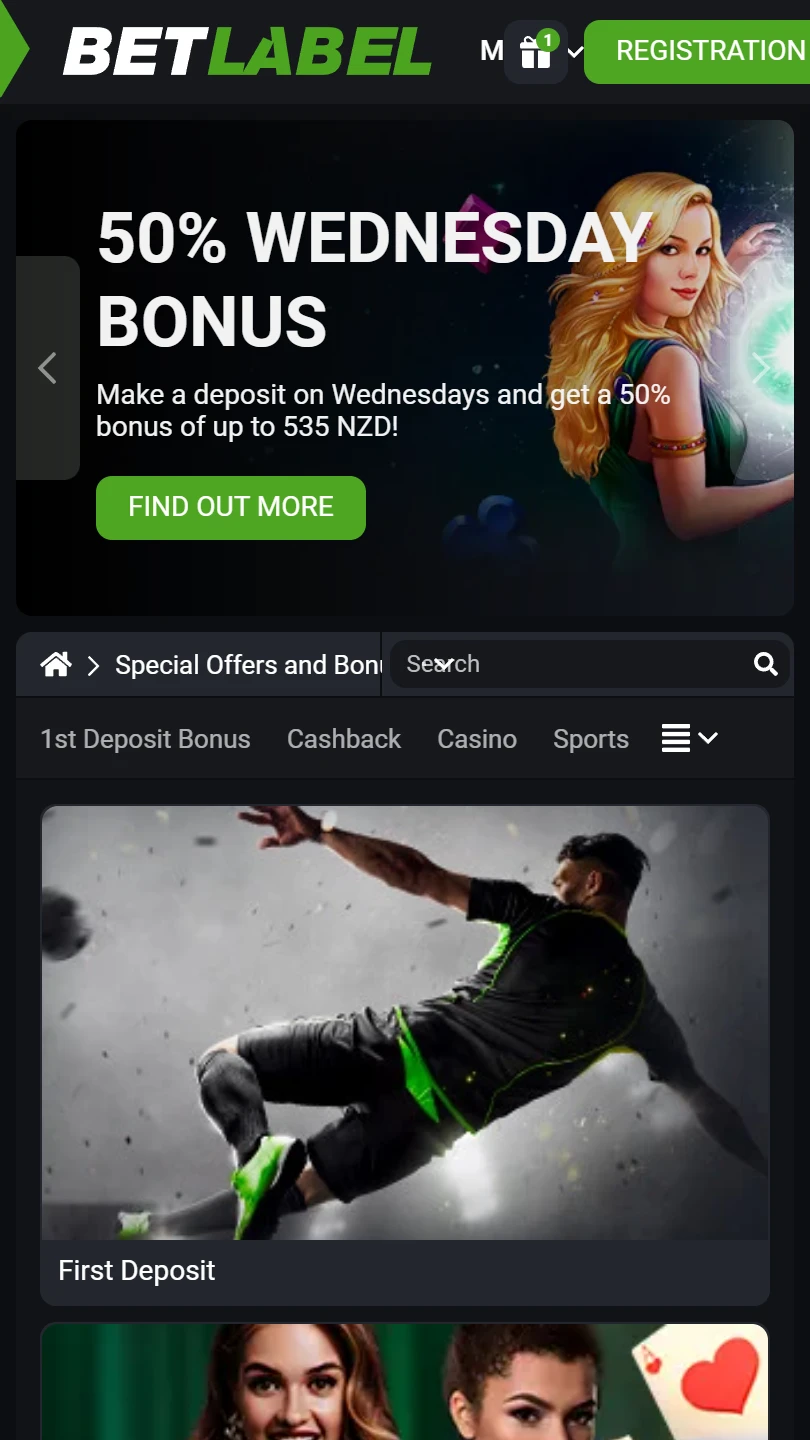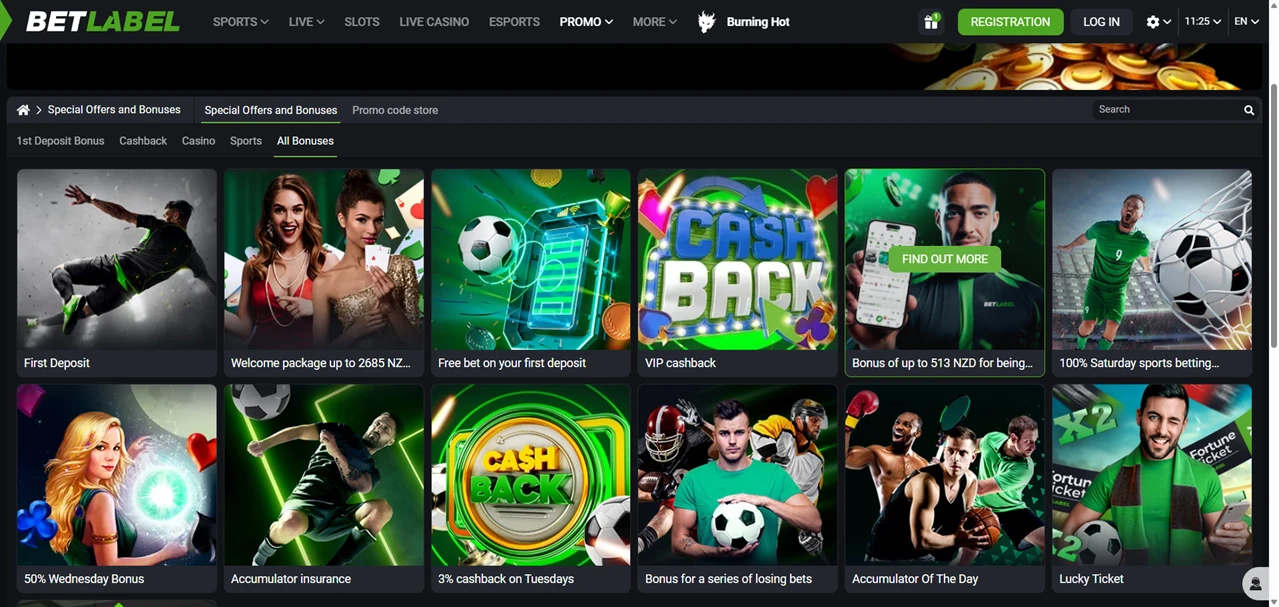
| Mobile Web App or PWA | Available  |
| Google Play Store | Unavailable  |
| Android .apk | Available |
| iOS App | Unavailable |
BetLabel is one of the few brands here with a genuine Android .apk and a six-step guide to installing it, while the iOS button on the same page leads to a home-screen shortcut rather than an App Store listing.
Two buttons sit under Download app: Android and iOS. Only one delivers a file. The Android route ends with BetLabel.apk on your phone, the iOS route with an icon that opens the website.
| Mobile Web App or PWA | Available |
| Google Play Store | Unavailable |
| Android .apk | Available |
| iOS App | Unavailable |
BetLabel is one of the few brands here with a genuine Android .apk and a six-step guide to installing it, while the iOS button on the same page leads to a home-screen shortcut rather than an App Store listing.
Two buttons sit under Download app: Android and iOS. Only one delivers a file. The Android route ends with BetLabel.apk on your phone, the iOS route with an icon that opens the website.
The site walks through all six steps with screenshots, and it helps to know what you will see.
Tapping Download brings up your browser’s own warning — files of this type may harm your phone, only download files from sources you trust. You then open Install unknown apps in Settings, allow installation from unknown sources, return to the downloaded file, tap Install, and the app is on your phone.
BetLabel answers that warning directly, stating the application will not harm your device. That is the operator’s word, not your phone’s. The real trade-off is updates: an app installed this way gets none from a store, so you repeat the download when a new version appears.
A shortcut, and the site’s own instructions say so. Wait for the page to load fully, press Share, choose Add to home screen, then confirm with Add. Android has the same option through the browser menu if you would rather skip the .apk.
Either way the icon is free, nothing is installed, and the shortcut opens the latest version because it loads the live site. Your login works across both, so the browser, the shortcut and the .apk share one account.
BetLabel is a sportsbook with a casino attached rather than the other way round. The betting menu runs from football, tennis, basketball and ice hockey through cricket, handball and table tennis, then keeps going into horse and greyhound racing, trotting, boat racing and lottery markets.
Esports gets its own section, with FIFA and Mortal Kombat listed as separate markets. A Multi-LIVE view lets you follow several live events at once, and an accumulator of the day sits on the front page with the odds already combined.
On the games side sit slots, a live casino, bingo and BL Games, the operator’s own section. A welcome package covers sportsbook and slots, with bonus terms in the promo menu.
The BetLabel customer service can be reached 24 hours every day and will provide help if you need help regarding the mobile app. The casino offers a support mail (support-en@betlabel.com) that you can utilize to submit your question. In addition, the form and the live chat service are at your disposal. For testing purposes, our team contacted the customer support multiple times and typically received a reply within a short period of time.
BetLabel gives Android users something genuinely rare: a real app, documented honestly, warnings and all. iPhone users get a shortcut dressed as a download, which is less honest but does work.
The sportsbook behind both is deep, especially in racing and esports, and the support structure is well organised. What is missing is any statement of who operates the site, and that absence is the reason to keep deposits modest until it appears.
✅ Android users who want a real installed app, not a bookmark
✅ Bettors after racing, trotting and esports markets
✅ Anyone who wants a dedicated complaints address on file
✗ iPhone users expecting an App Store download
✗ Players who want automatic app updates
✗ Anyone who needs a named operator before depositing
Yes. The file is called BetLabel.apk and installs outside the Play Store, which means allowing installation from unknown sources in your phone settings first. The site documents all six steps.
No. Every iOS instruction on the page describes adding the site to your home screen through the Share menu, so what you get is a shortcut to the mobile site rather than an installed application.


.svg "French")
.svg "Arabic")