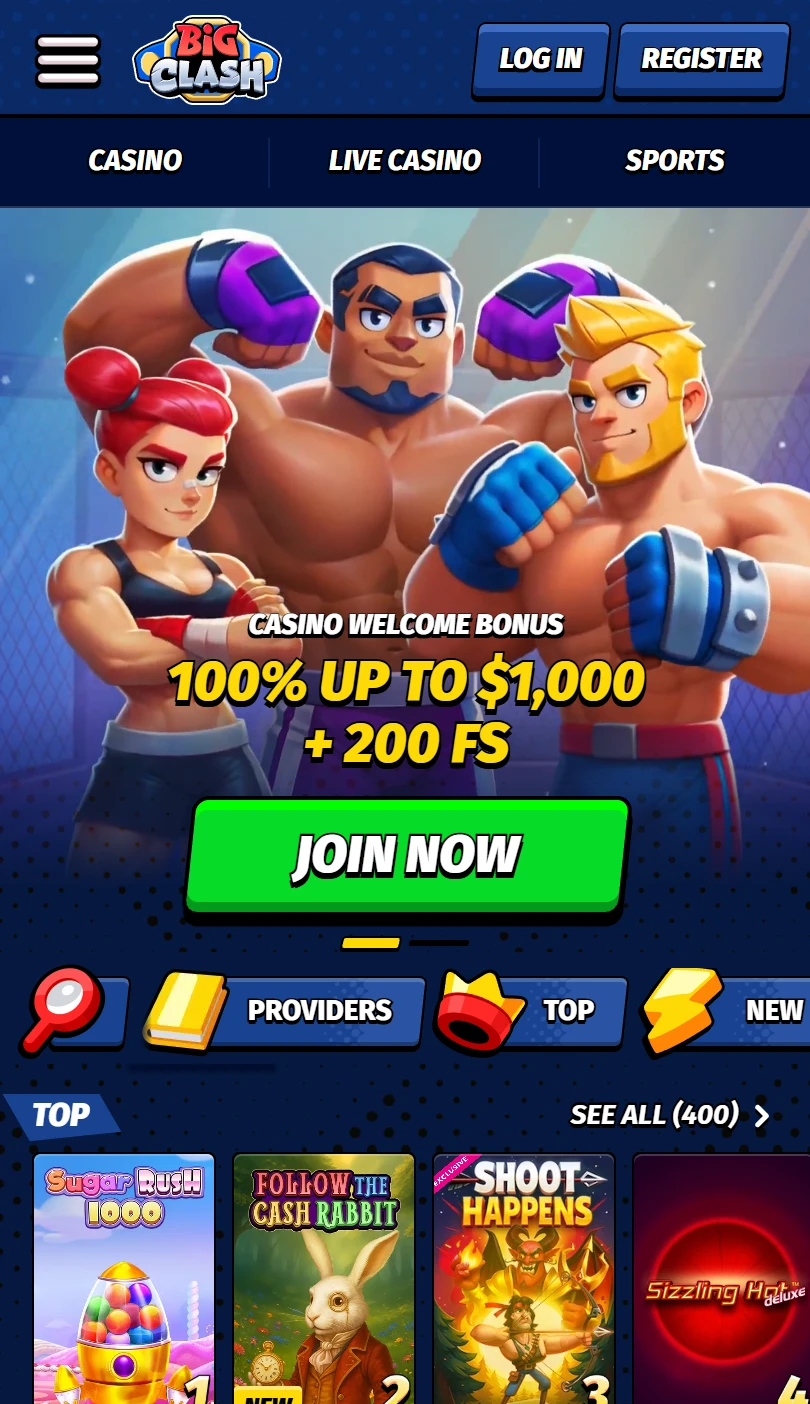
| Mobile Web App or PWA | Available  |
| Google Play Store | Unavailable  |
| Android .apk | Unavailable |
| iOS App | Unavailable |
BigClash runs as a browser site with an officially documented home-screen shortcut — no .apk, no App Store app — fronting a player-versus-player fight mode pinned above the lobby itself, though the English footer checked carries no operator name and no licence seal.
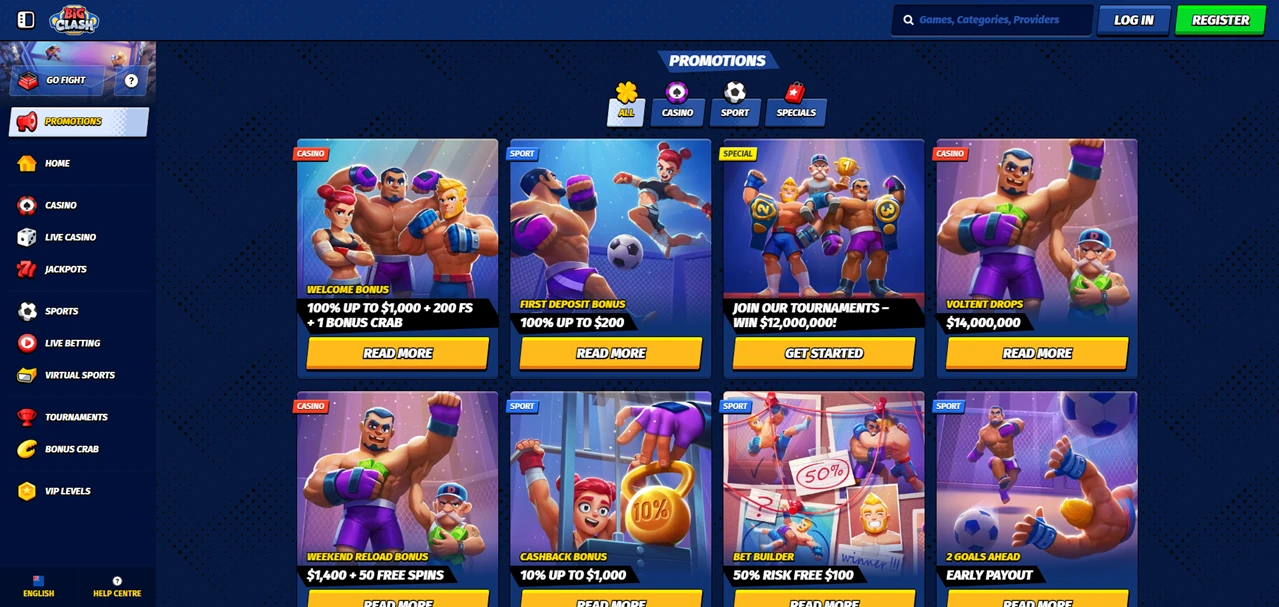
Look at the top of the sidebar. Not the casino, not promotions: a Go Fight button, above VIP levels and the wheel. A casino that puts a duel mode ahead of its lobby is telling you what it wants you doing.
| Mobile Web App or PWA | Available |
| Google Play Store | Unavailable |
| Android .apk | Unavailable |
| iOS App | Unavailable |
BigClash runs as a browser site with an officially documented home-screen shortcut — no .apk, no App Store app — fronting a player-versus-player fight mode pinned above the lobby itself, though the English footer checked carries no operator name and no licence seal.
Look at the top of the sidebar. Not the casino, not promotions: a Go Fight button, above VIP levels and the wheel. A casino that puts a duel mode ahead of its lobby is telling you what it wants you doing.
Yes. There is no .apk and no store app; you add a home-screen shortcut from Chrome or Safari, and BigClash publishes a Create Shortcut page with the steps.
Either way you get an icon, not an application, and your login and the latest version come from the server.
Funding happens in the cashier after registration, and the footer contradicts itself about it: three payment logos sit at the bottom behind a More link, while the column actually headed Payments has nothing under it.
The help centre is more useful. Eight categories sit on one screen, and deposits, withdrawals, and account and verification each get their own.
That third matters most — verification is what usually holds up a first payout, and here it is a named section rather than a line in the terms. No minimums, fees or processing times appear before you register.
Go Fight is the brand’s own idea: you take on opponents rather than only the house, with a headline prize attached. What the navigation never does is explain it.
The rules sit behind a small help icon beside the button and a promotional video, so you cannot judge what you are joining from the lobby alone. Open that icon before the fight, not after.
A wheel of fortune, VIP levels and tournaments run alongside it, each with its own bonus terms, each reached from the sidebar rather than the lobby.
The sidebar holds every product — casino, live casino, jackpots, sports, live betting, virtual sports — with a filter strip under the hero for providers, top, new, popular and exclusive.
Live tables lean on one house-branded studio, Gold Saloon roulette and blackjack filling the top row. Sports get illustrated tiles rather than a fixture list, so you tap through to markets instead of seeing prices.
That empty Payments column is not the only one. Terms and Conditions is a heading with nothing beneath it either. A half-built footer is a small thing alone; it matters because of what else is not in it.
On the English version checked, no company name, no registration number and no regulator seal appear anywhere.
That describes one page rather than one company — regional versions can carry a badge the international site omits — so scroll your own footer before depositing, and if a seal is there, follow it into the regulator’s register instead of trusting the graphic.
Four things are done well: a written shortcut guide, a help centre separating deposits, withdrawals and verification, a fight mode that is genuinely different, and a sidebar keeping it one tap away.
Against that sits a half-finished footer with, on the version checked, no company named in it.
✅ Players who want a duel mode rather than only slots
✅ Anyone who wants verification explained before depositing
✅ Phone players who like everything in one menu
✗ Anyone who wants the operator named on the front page
✗ Players who expect the payments column to list payments
✗ Bettors who want fixtures and prices on the home page
No. There is no .apk and no store listing, and the site is free to use in any browser. The Create Shortcut page only adds an icon.
In the help centre, which has a deposits category beside withdrawals and verification. The footer publishes nothing.


.svg "French")
.svg "Arabic")