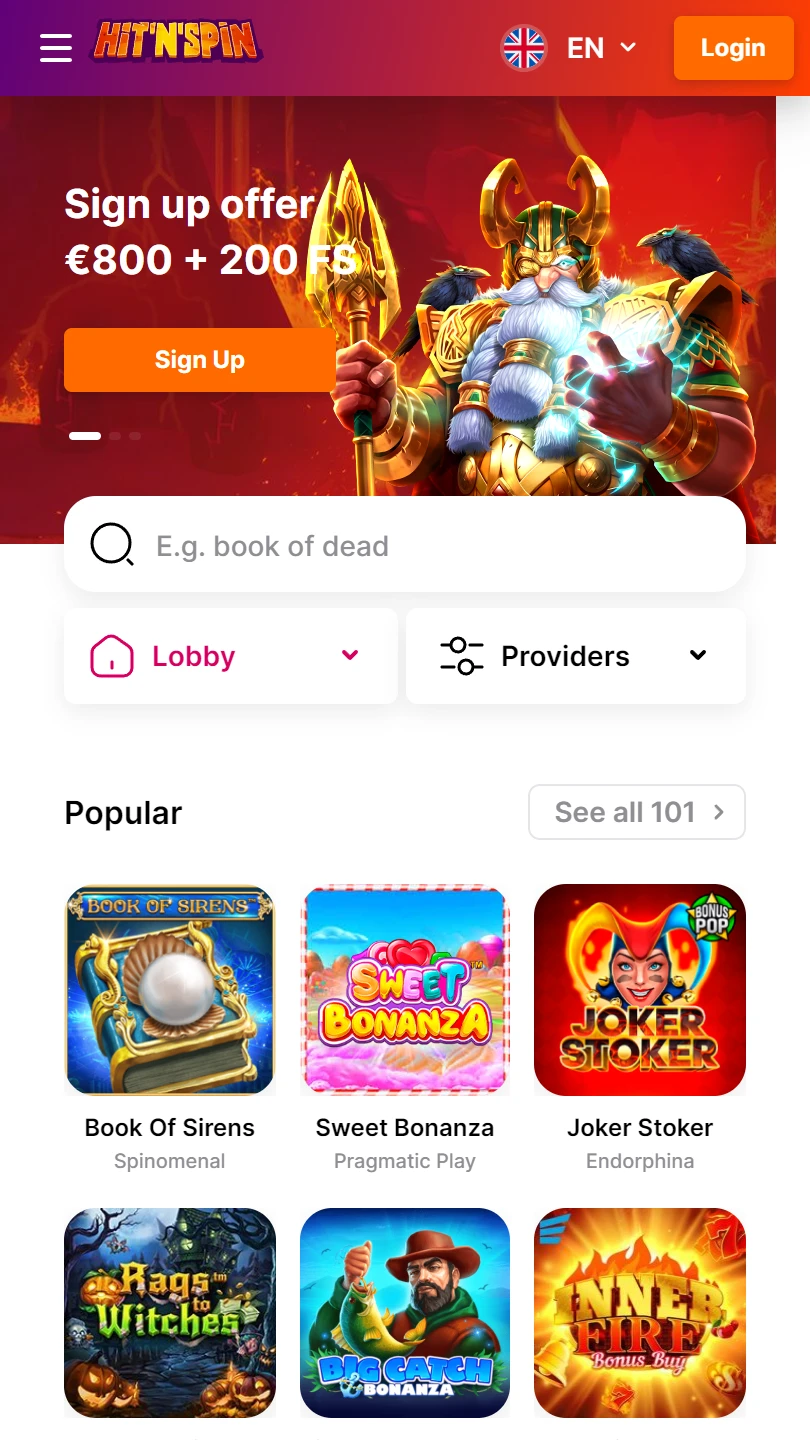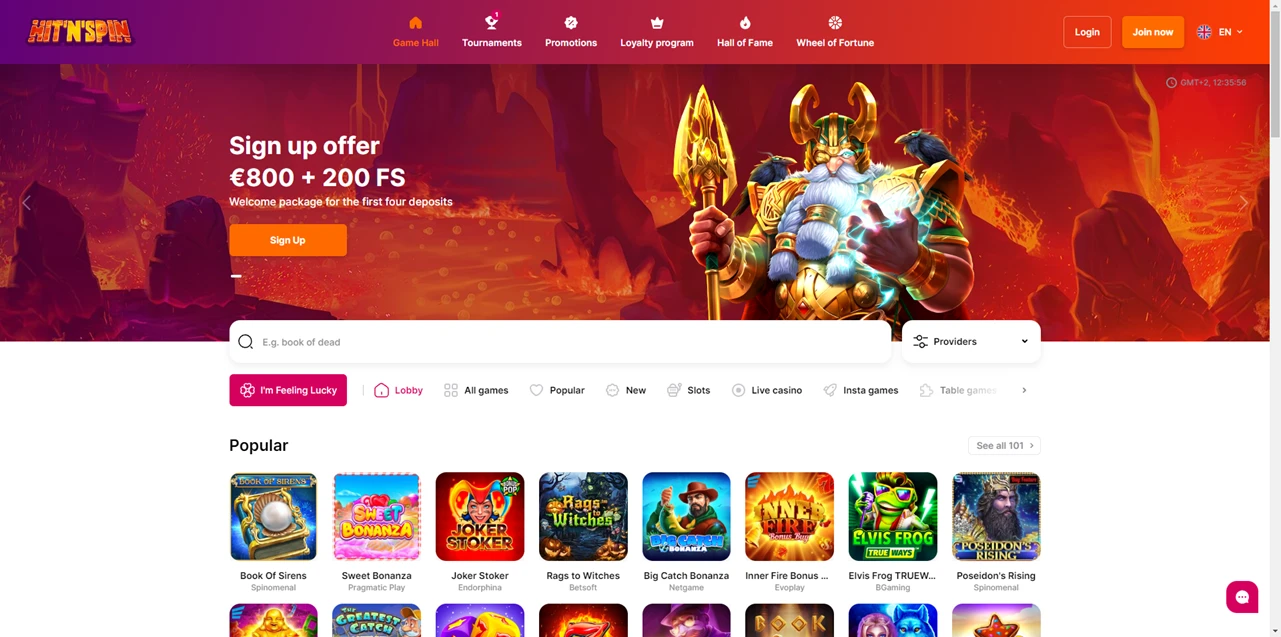
| Mobile Web App or PWA | Available  |
| Google Play Store | Unavailable  |
| Android .apk | Available |
| iOS App | Available |
An iOS tab with its own QR code, its own rating and its own download count. Four scrolls further down the same page, a line saying the iOS app is still being developed.
Android here is straightforward: a real file, a six-step guide, a security setting to change. The iPhone half of the page argues with itself.
| Mobile Web App or PWA | Available |
| Google Play Store | Unavailable |
| Android .apk | Available |
| iOS App | Available |
An iOS tab with its own QR code, its own rating and its own download count. Four scrolls further down the same page, a line saying the iOS app is still being developed.
Android here is straightforward: a real file, a six-step guide, a security setting to change. The iPhone half of the page argues with itself.
Three separate elements on one page make three claims about iPhone, and they cannot all be right:
The middle one is the only statement that commits to something checkable, and it is also the least flattering. That is usually the one to believe.
One more row, headed all others, says to use a browser and that every modern browser works. No download, no application.
So an iPhone owner plans on the browser, and treats the iOS tab as something to verify first.
Six numbered steps cover the Android route: download the file, open it, allow the app to be installed, install, open, play.
Step three is the one that matters. Allowing installation means switching off Android’s block on files from outside a store, and leaving that switch off exposes every later download you make.
In return you get a real program rather than a shortcut, free, on Android 8.0 or newer. Because it is sideloaded, the latest version arrives when you fetch it, not at login.
Four benefits are promised to app users, and three of them are the usual: notifications, rewards a tap away, and a cashback piggy bank.
The fourth is different. Shake the handset and a bonus fires, which means reading the accelerometer — hardware a browser cannot address with any reliability.
Most app-exclusive claims in this category describe something the website already does. This one is technically coherent, which makes it the only defensible answer to why install anything.
The piggy bank deserves plainer words than the site gives it. Cashback is calculated from losses, so the piggy fills when you lose, and smashing it returns a fraction.
One footer line names the operating company, a Willemstad address, a Curaçao registration number and a licence number, all four in full.
Those numbers lead to a certificate on the regulator’s domain, where company number and licence reference match what the footer prints.
Then comes the part almost nobody publishes. Payments are handled by a separately named Cyprus company acting as authorised agent, with its own corporate registration number printed alongside.
That matters because the business taking your card is often not the business holding the licence. Here both are named, and both can be looked up.
Fifteen documents fill the information column, including a complaints policy, a refund policy, a self-assessment tool and one headed mobile application.
Installing the file therefore brings you under a second set of terms, separate from the conditions accepted at signup. Few brands split it out.
Visa and Mastercard appear in the payment-methods box, each accompanied by its card-authentication mark. No wallet, voucher or crypto logo sits beside them on the pages examined.
Two authentication badges in one small box hint at how deposits behave. Card verification on a phone means jumping to your banking app mid-deposit and back.
Its payment policy exists as a document of its own, which is where minimums, fees and timings would live. None of those figures appear on the pages checked.
Android users get the clearest offer in this category: a real file, a documented install, a stated OS requirement, and one genuine reason to bother — a feature that needs the phone’s motion sensor.
iPhone users get a contradiction. A tab selling an iOS download sits on the same page as a sentence saying that app is still being built.
✅ Android owners willing to sideload for a motion-based bonus
✅ Players who check an operator and its payment agent in a registry
✅ Anyone who wants a complaints policy published before they sign up
✗ iPhone owners, until the iOS claim is resolved one way or the other
✗ Depositors wanting wallets or crypto rather than cards
✗ Anyone unwilling to lower an Android security setting
Its app page says both. A tab advertises an iOS download while a table on the same page states the app is still in development and points iPhone users to the mobile website.
Android 8.0 or newer, a direct download from the site rather than a store, and permission to install files from outside Google Play.


.svg "French")
.svg "Arabic")