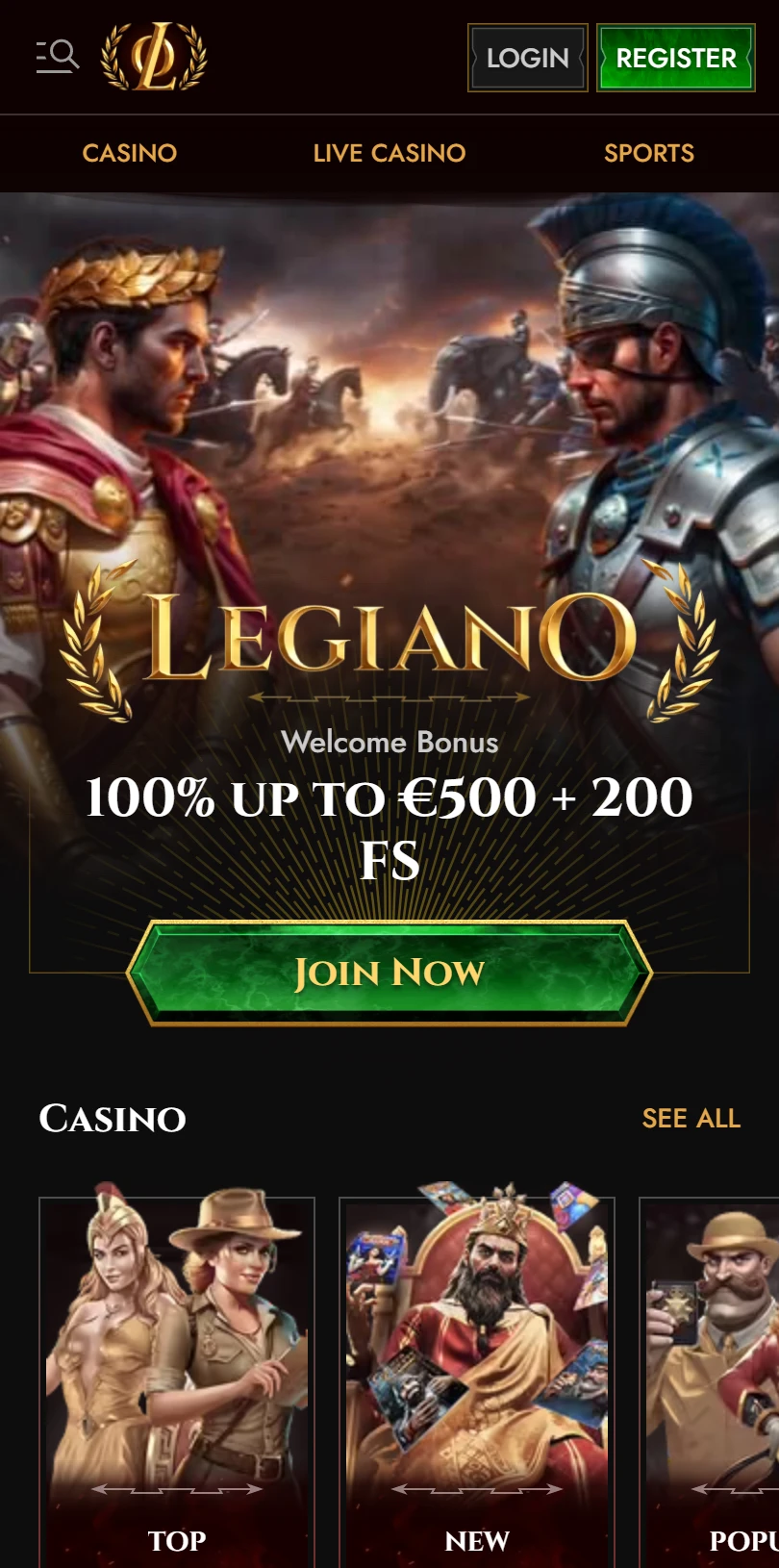
| Mobile Web App or PWA | Available  |
| Google Play Store | Unavailable  |
| Android .apk | Unavailable |
| iOS App | Unavailable |
You came looking for the Legiano app. There isn’t one in the App Store sense — what Legiano runs is a browser shortcut, the same install path used by most Curaçao-licensed casinos this year.
The walk-through below covers it in two minutes.What you actually want to know first: the Clash mechanic works on mobile. The Coins balance carries over.
Spin Rally opt-ins survive the shortcut install. None of this is obvious from the desktop site, so it gets covered below.
| Mobile Web App or PWA | Available |
| Google Play Store | Unavailable |
| Android .apk | Unavailable |
| iOS App | Unavailable |
You came looking for the Legiano app. There isn’t one in the App Store sense — what Legiano runs is a browser shortcut, the same install path used by most Curaçao-licensed casinos this year.
The walk-through below covers it in two minutes.What you actually want to know first: the Clash mechanic works on mobile. The Coins balance carries over.
Spin Rally opt-ins survive the shortcut install. None of this is obvious from the desktop site, so it gets covered below.
Sign in before you create the shortcut. Your Clash progress and Coin balance need a session to attach to — log in first, then add to home screen.
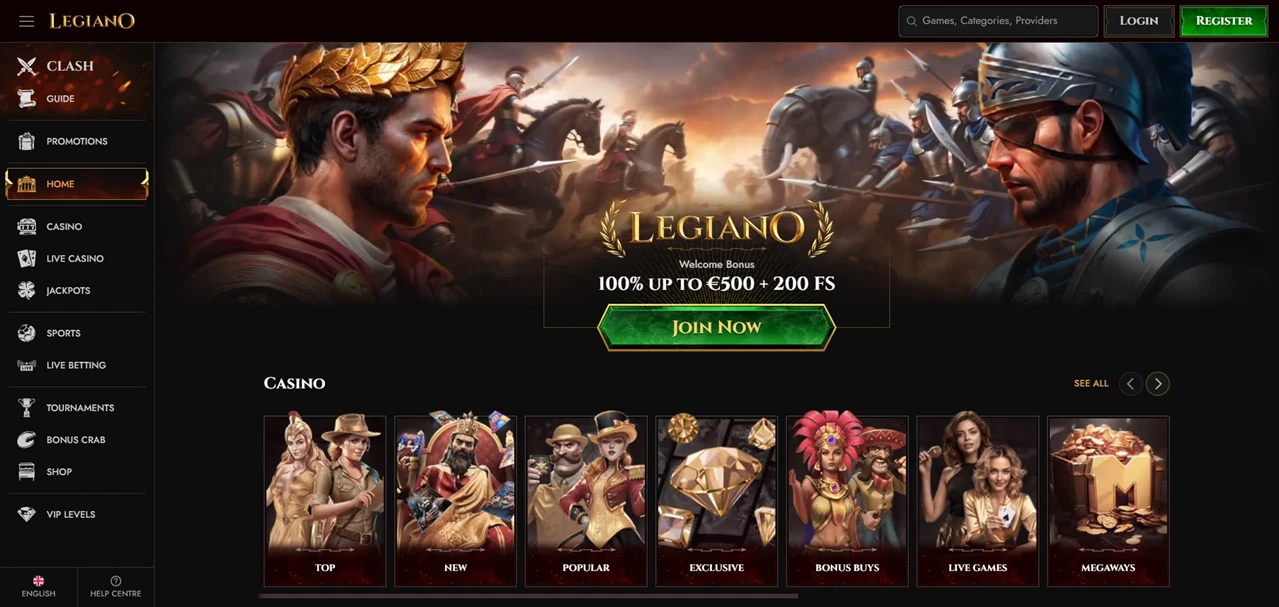
Clash is the brand’s centrepiece, and you might miss it if you only check the Promotions page. It sits as a standalone sidebar entry with a crossed-swords icon, separate from Tournaments and Spin Rally.
The mechanic: enter the battle, work toward a €14,000 prize pool, watch the leaderboard. There’s a watch-video button on the home page banner if you want the visual walk-through before opting in.
The Clash works on the PWA exactly as on desktop — same battles, same standings, no mobile-stripped version.
The casino lobby holds 12,280 games across the All Games rail. You’ll find the standard cluster: Top, New, Popular, Spring, Exclusive, Bonus Buys, Megaways, Live Games, Instant Games, Slots, Table Games. Live Casino runs separately with Top Live Casino, Gold Saloon, Roulette, Blackjack, International Tables, Game Shows, Baccarat & Dice, and Poker as their own rails.
Sport-wise, Legiano runs eight sport categories (Football, Tennis, Table Tennis, Basketball, Ice Hockey, American Football, Baseball) plus Live Betting and Virtual Sports as separate verticals.
Spin Rally cycles every twenty minutes — opt in, spin, win, repeat. WonderPot tier values display live on the home page, refreshed continuously. You’ll see Inferno Sevens, Hogs of Valhalla, Zeus of Olympus, and others rotating through the Spin Rally rail.
The Help Centre splits self-service into eight categorised hubs: Bonuses & Promotions, Casino, Deposits, General, My Account & Verification, Sportsbook, Technical, Withdrawals. The footer carries 18+ gating disclosure.
The cashier accepts Visa, Mastercard, and additional payment rails behind the More expansion. The roman-legion visual identity runs through every promotion card and the welcome banner — gold laurel wreaths, coliseum backdrops, legionnaire characters in the Specials section.
If you’re deciding whether the Legiano shortcut is worth the home-screen slot, here’s the honest answer: yes, if you play the Clash.
The battle mechanic is the brand-specific reason to keep Legiano on your phone rather than just bookmarking the casino.
Without Clash, you’re getting a competent Curaçao PWA with no .apk download and no native app — same install pattern as a dozen others.
Nothing — your battle standings, Coin balance, and leaderboard position carry over with your account session. Log in once on the PWA, and you’ll see the same Clash dashboard you left on desktop. There’s no separate mobile leaderboard or stripped-down version.
Guide is the Clash tutorial walkthrough — how the battle mechanic works, what counts as participation, how the €14,000 pool gets distributed. The Help Centre handles standard support topics like deposits and verification. Two different functions, two different sidebar entries.


.svg "French")
.svg "Arabic")