| Mobile Web App or PWA | Available  |
| Google Play Store | Unavailable  |
| Android .apk | Unavailable |
| iOS App | Unavailable |
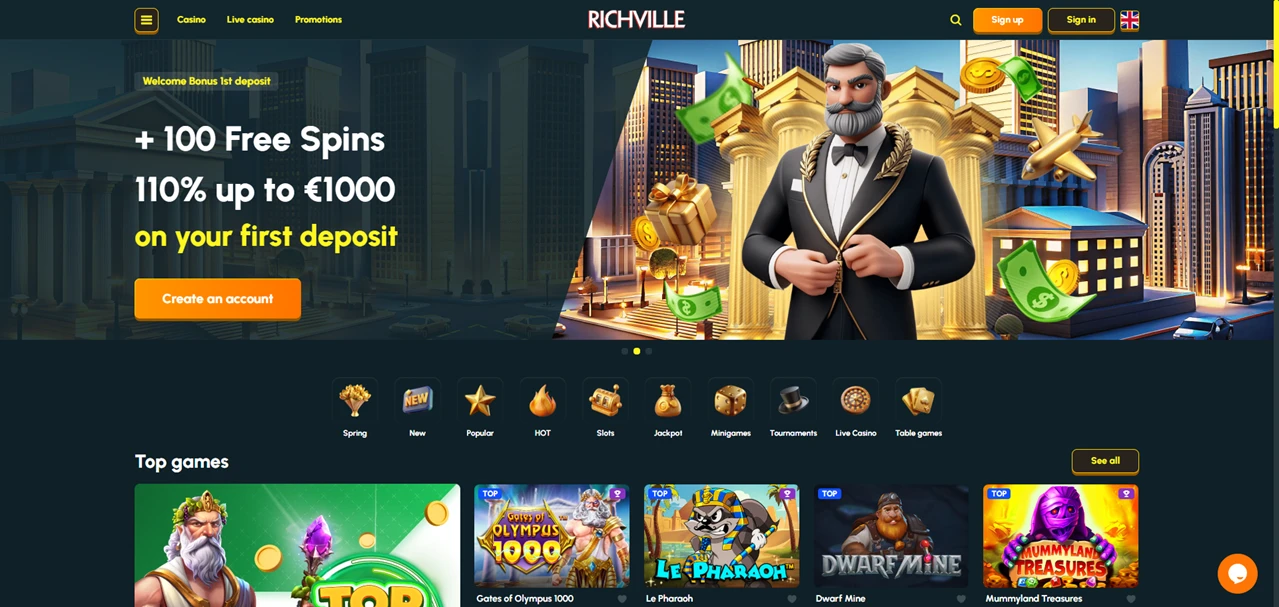
No native app, no app store listing, no APK file to hunt down. RichVille Casino keeps it straightforward — the entire platform runs through your mobile browser as an HTML5 web app. Same games, same bonuses, same account. The only difference is how you get there.
| Mobile Web App or PWA | Available |
| Google Play Store | Unavailable |
| Android .apk | Unavailable |
| iOS App | Unavailable |
No native app, no app store listing, no APK file to hunt down. RichVille Casino keeps it straightforward — the entire platform runs through your mobile browser as an HTML5 web app. Same games, same bonuses, same account. The only difference is how you get there.
The web app loads the full casino through any modern browser — no storage consumed, no permissions required, no update prompts interrupting your session. It adapts to your screen size automatically, whether you’re on a compact Android phone or a larger iPad. Make sure to pick up the welcome offer on your way in — it’s a strong start for new players.
ℹ️ Removing the shortcut works exactly like deleting any other app on your device.
There’s no reason to look for RichVille anywhere other than the official domain. No native app exists, so any download link you encounter elsewhere is either misleading or outright dangerous — spoofed interfaces designed to capture login data are a real risk with unofficial casino APKs. Go direct through richville.io, and the connection is secured from there.
RichVille’s support runs 24/7 and is easy to find on mobile: a live chat badge sits permanently in the bottom right corner of every page, and the full support section is linked in the footer. Email is available at support@richville.com, plus a web contact form for less urgent questions. That straightforward approach — no buried menus, no support ticket system to navigate — matches the rest of the platform’s no-fuss design.
RichVille doesn’t overcomplicate things, and that consistency carries through to the mobile experience. No app store detours, no manual updates, no separate download to maintain. The web app handles the full casino cleanly, updates itself silently, and sits on your home screen ready to launch whenever you are. For a platform that keeps its desktop experience uncluttered, the browser-based approach is a natural fit rather than a compromise.
Completely. Adding the shortcut to your home screen costs nothing, and there are no subscriptions or hidden fees attached to using the web app.
Check your connection first — Wi-Fi tends to deliver a smoother experience than mobile data. Clearing your browser cache can also help if pages feel sluggish.
No. The web app pulls the current version from the server every time you open it. There’s nothing to download, approve, or schedule.


.svg "French")
.svg "Arabic")