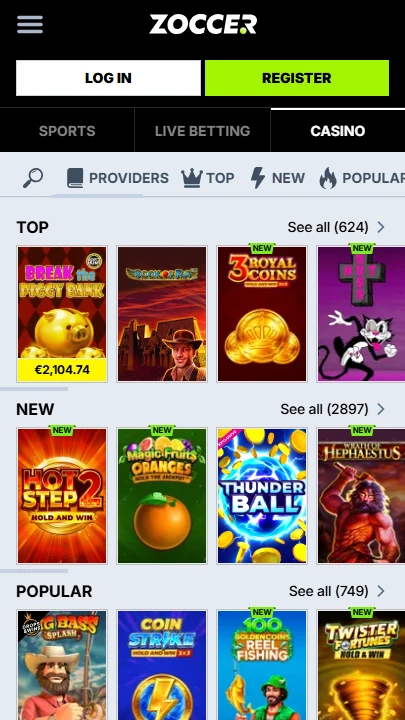
| Mobile Web App or PWA | Available  |
| Google Play Store | Unavailable  |
| Android .apk | Unavailable |
| iOS App | Unavailable |
Most mobile casinos give you games and a sportsbook. Zoccer adds Spin Rally, Challenges, Collections, Missions, a coin shop, and a multi-tier VIP programme — all running without a native app.
The entire platform works through your mobile browser as an HTML5 web app, and Zoccer even hosts a dedicated shortcut setup page that walks you through the install with visual guides.
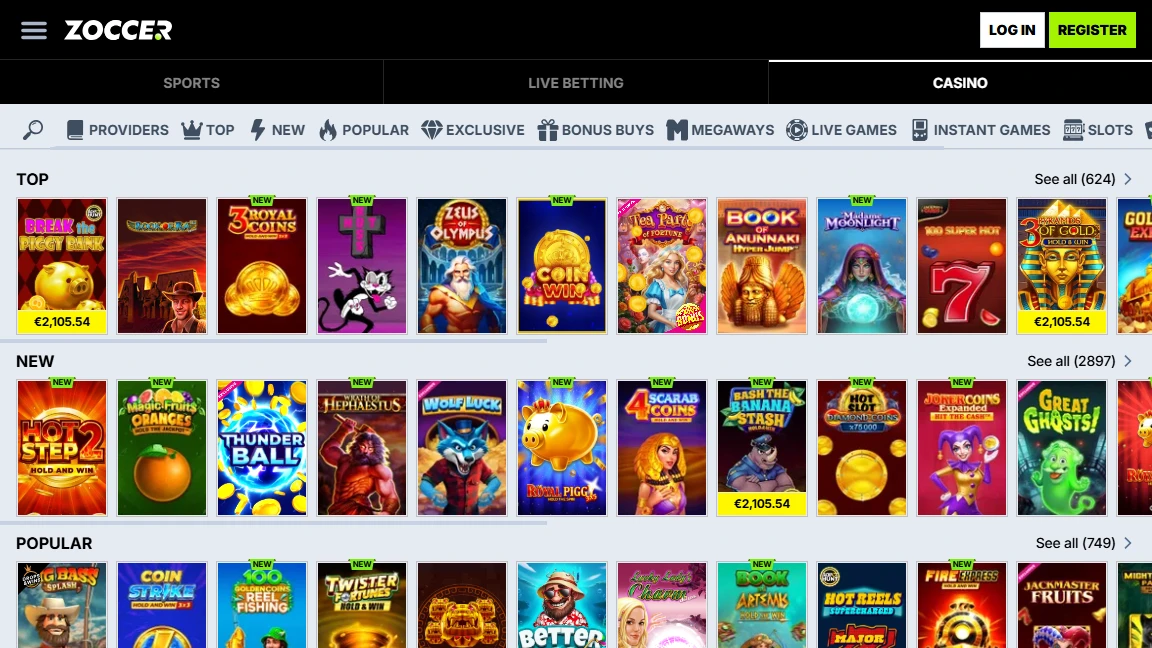
| Mobile Web App or PWA | Available |
| Google Play Store | Unavailable |
| Android .apk | Unavailable |
| iOS App | Unavailable |
Most mobile casinos give you games and a sportsbook. Zoccer adds Spin Rally, Challenges, Collections, Missions, a coin shop, and a multi-tier VIP programme — all running without a native app.
The entire platform works through your mobile browser as an HTML5 web app, and Zoccer even hosts a dedicated shortcut setup page that walks you through the install with visual guides.
The web app covers everything visible on desktop: casino, live casino, jackpots, sports, live betting, horse racing, virtual sports, and all the gamification features. No downloads, no app store approvals.
The mobile layout keeps the sidebar navigation intact, so switching between a blackjack table and a live football bet takes one tap. Grab the welcome offer when you register — it’s worth activating before your first session.
Zoccer has its own “Create Shortcut” page (linked in the footer under General Info) with screenshots for each step. Here’s the quick version:
No native app exists, so there’s no legitimate APK or iOS file to download anywhere. If you find one, it’s not from Zoccer.
The official domain is your only verified access point — go direct through zoccer.com and avoid anything that claims to offer a standalone download.
The platform itself runs on HTTPS encryption, and the 18+ policy is clearly displayed at the bottom of every page.
A live chat button and Help Centre link sit permanently in the bottom left corner of the mobile interface — no scrolling to the footer required. The live chat badge is always visible, which matters on a platform with this many moving parts.
For non-urgent questions, the Help Centre covers the main topics. Zoccer’s footer also links directly to the “Create Shortcut” page, Responsible Gaming information, and the full Terms and Conditions.
What sets Zoccer apart on mobile isn’t the web app itself — it’s what runs inside it. The gamification layer goes well beyond what most browser-based casinos attempt: Spin Rally competitions, card-collecting Challenges, a coin shop where points convert into rewards, and a VIP system with its own level progression.
Add a sportsbook that covers football, tennis, basketball, ice hockey, table tennis, American football, baseball, and horse racing, and you have a platform that’s doing more in a browser tab than many native apps manage with full device access.
The dedicated shortcut page is a small but telling detail — it signals that Zoccer takes the mobile experience seriously enough to document it properly, rather than leaving players to figure out the setup on their own.
No. The platform runs entirely as a browser-based web app. Zoccer provides a dedicated “Create Shortcut” page with step-by-step instructions to pin it to your home screen.
Yes. Spin Rally, Challenges, Collections, Missions, the Shop, and VIP Levels are all accessible through the web app — no features are restricted to desktop.
Fully. Pre-match and live betting work the same as on desktop, including horse racing and virtual sports markets.

.svg "French")
.svg "Arabic")